Thirumullaivoyal, Chennai



The Complete Buyer’s Guide
Don’t Make a Costly Mistake
Purchasing a CNC rotary table is one of the most significant investments you’ll make for your machining center. Choose wrong, and you’ll face downtime, inconsistent parts, and missed deadlines. Choose right, and you unlock complex geometries, single-setup machining, and unprecedented productivity.
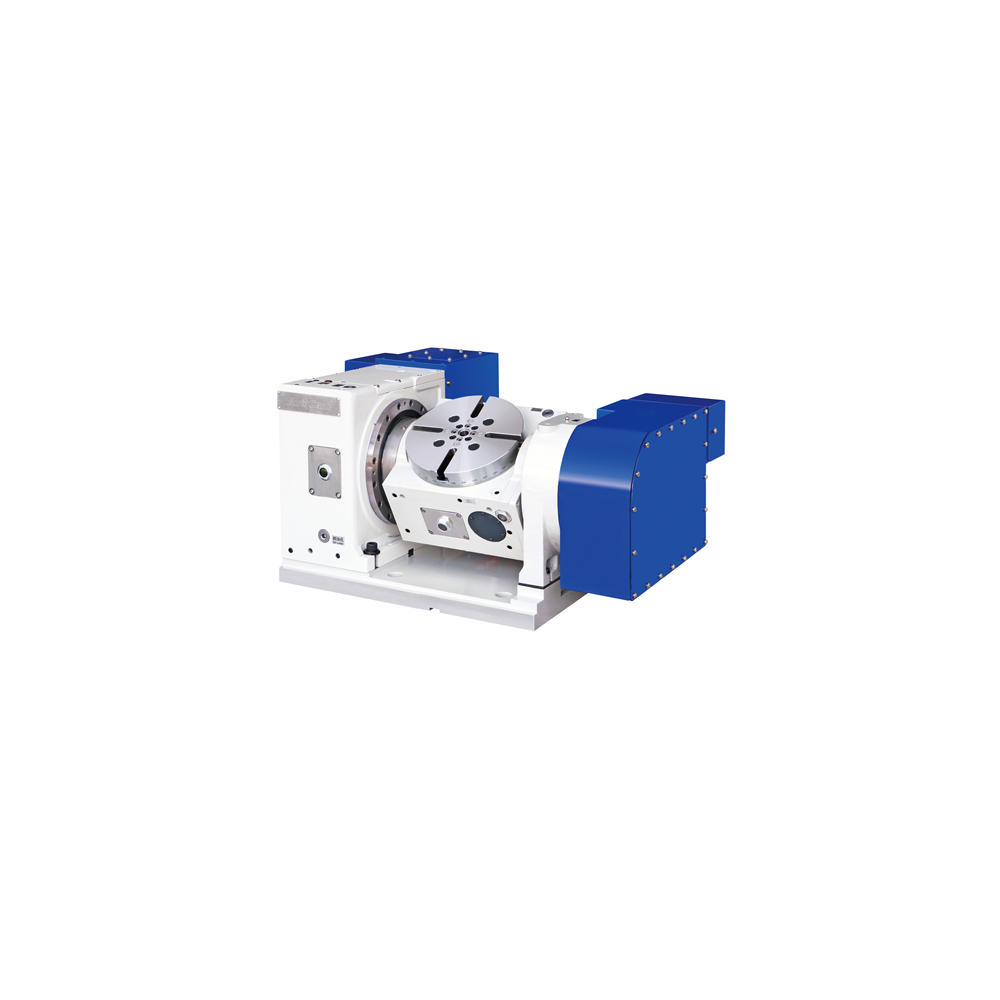
This guide cuts through the technical jargon to give you a practical, step-by-step checklist for selecting the perfect 4th or 5th axis rotary table. Whether you’re a shop owner evaluating options or a machinist providing input, these 9 critical checks will ensure you invest wisely.
Check 1: Understand Your Actual Need
Before looking at specs, determine exactly what you need to machine.
| Choose 4th Axis IF you need: | Choose 5th Axis IF you need: |
|---|---|
| • Cylindrical parts (camshafts, shafts) | • Complex contours (impellers, turbine blades) |
| • Indexing at precise angles (gear machining) | • Undercuts and internal features |
| • Wrapping operations (engraving cylindrical surfaces) | • Machining on multiple part faces in one setup |
| • Basic multi-sided parts | • Dramatically reduced setups for complex parts |
Many shops buy 5-axis capability “for the future” but a high-precision 4th axis often provides better ROI for current needs. Be honest about your actual part mix for the next 3-5 years.
Check 2: The Backlash Test
Backlash isn’t just a spec—it’s the difference between a good part and scrap.
What to Ask & Verify:
- “What is your guaranteed maximum backlash?”
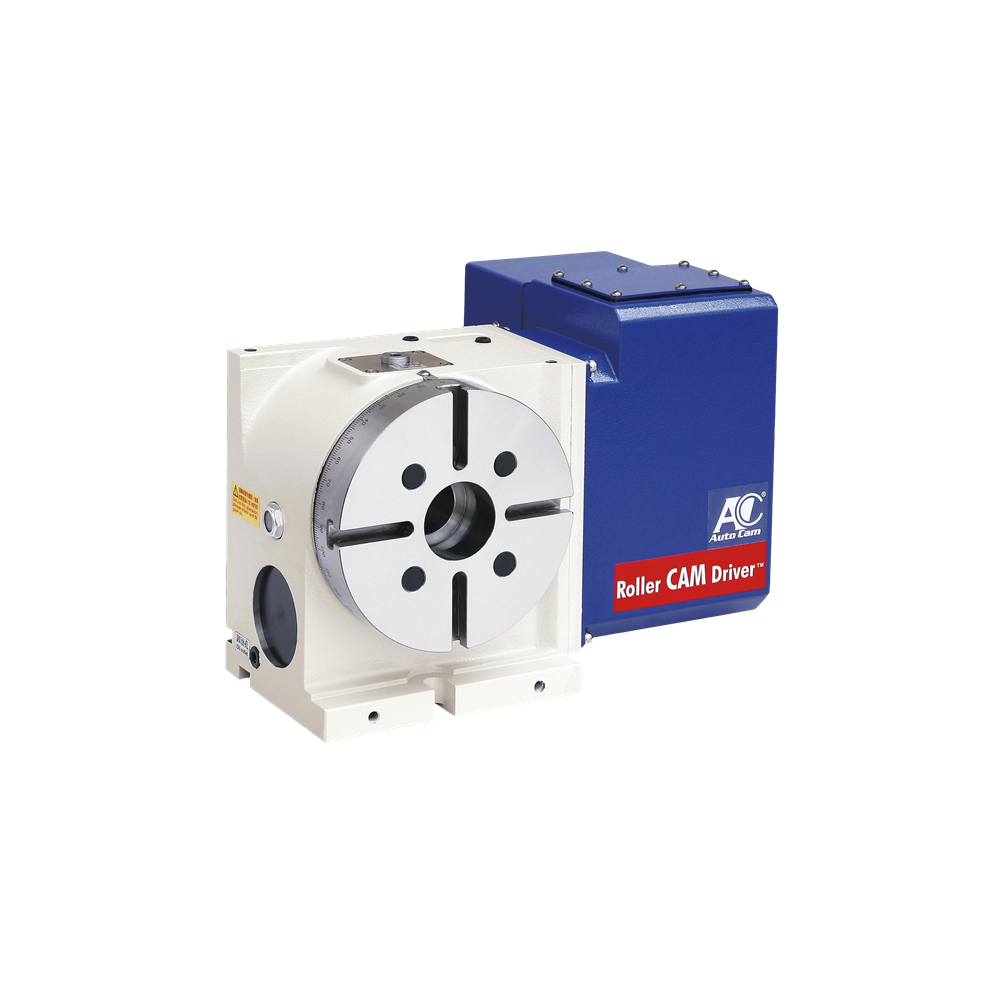
- Premium: 0 arc-seconds (Autocam’s Roller CAM technology)
- Good: ≤ 30 arc-seconds
- Questionable: Anything above 1 arc-minute (60 arc-seconds)
- “How is this measured and guaranteed?” Demand test certificates from independent labs, not just factory specs.
- “How does backlash change over time?” – Worm gear systems degrade; our Roller CAM maintains near-zero backlash for years.
Check 3: The “Will It Fit & Work” Compatibility Check
Your Physical Compatibility Checklist:
- Machine Table Dimensions: Will it fit without interfering with travels?
- Control System Compatibility: Fanuc, Siemens, Heidenhain, Mitsubishi?
- Power Requirements: Does your machine have sufficient power supply?
- Software/Post-Processor: Is one provided and proven with your CAM software?
Your Load Capacity Reality Check:
The formula most forget:
Actual Load = Part Weight + Fixture Weight + Cutting Forces
Many underestimate fixture weight. Always plan for 30-40% more capacity than your heaviest part.
Check 4: Accuracy Specifications – Reading Between the Lines
Manufacturers highlight different specs. Here’s what truly matters:
| Specification | What It Really Means | Good Value |
|---|---|---|
| Positioning Accuracy | How close to commanded position | ±5 arc-seconds or better |
| Repeatability | Consistency returning to same position | ±2 arc-seconds or better |
| Wobble/Runout | Table surface flatness during rotation | < 0.005mm at table edge |
Accuracy specs are often given at center of table. Ask for accuracy at maximum working radius—where you actually machine.
Check 5: The Rigidity & Construction Inspection
A flexible rotary table vibrates, causing poor surface finish and tool wear.
Construction Red Flags vs. Green Flags:
- 🟢 Green Flag: Monolithic cast iron construction, finite element analysis optimized
- 🔴 Red Flag: Bolted-together assemblies, lightweight aluminum for heavy cuts
- 🟢 Green Flag: Pre-tensioned bearings, proven in high-force applications
- 🔴 Red Flag: Generic bearing specifications without application data
Hands-On Test: If possible, perform a light cut test while monitoring vibration with a simple app on your phone. Excessive vibration indicates rigidity issues.